
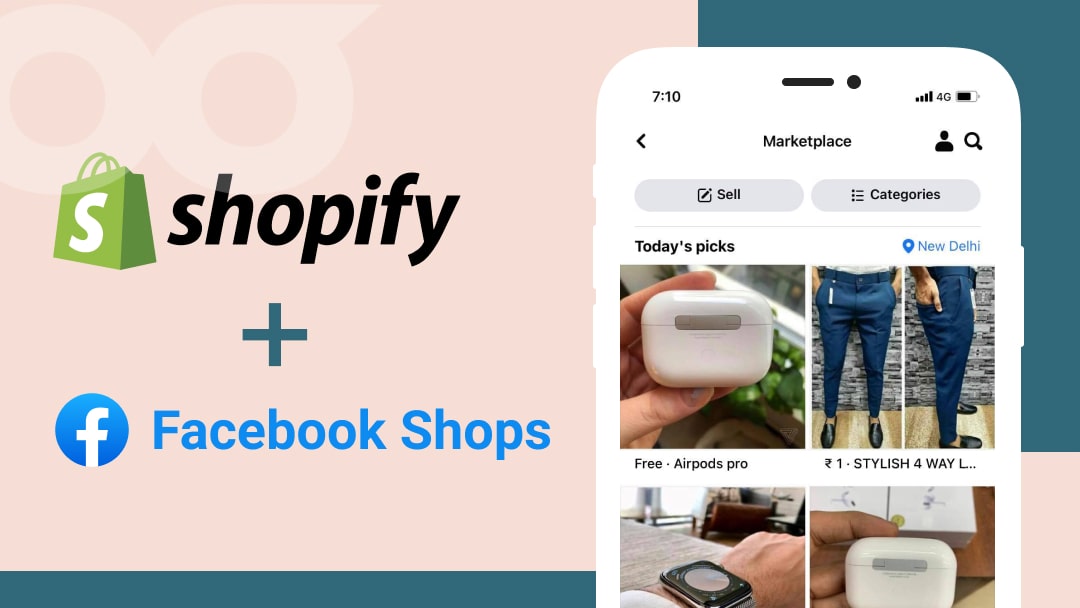
About Facebook Marketplace: A Complete Guide for Shopify Merchants
Social media has become the backbone of modern business. Platforms like Facebook, Instagram, and TikTok aren’t just for entertainment anymore—they’re powerful tools for growing an online business. One of the most effective (yet often underutilized) tools is Facebook Marketplace.
Launched in 2016, Facebook Marketplace allows users to buy and sell directly on the Facebook app. Today, it’s available in over 50 countries, giving entrepreneurs and Shopify merchants a golden opportunity to tap into millions of active users daily. If you’ve been looking for ways to expand your reach and boost your eCommerce sales, there’s no better time to start than now.
This guide will cover what Facebook Marketplace is, how it works, and how you can leverage it as a Shopify merchant to drive more sales and build stronger customer relationships.
What is Facebook Marketplace?
Before Marketplace was introduced, Facebook commerce largely revolved around buy-and-sell groups where users listed items, negotiated in the comments, and marked posts as “sold.” Marketplace took this concept and turned it into a shop-like experience within the app.
Here’s what makes it stand out:
- A dedicated storefront where both individuals and businesses can list products.
- Categories and filters that make it easier for buyers to find what they need.
- Integration with platforms like Shopify, allowing smoother payment and checkout experiences.
Unlike other eCommerce platforms, Facebook Marketplace doesn’t handle payments directly. Instead, it connects buyers and sellers while allowing flexibility in choosing preferred payment methods (e.g., Shopify Payments, PayPal, or even cash).
How Does Facebook Marketplace Work?
The process is simple:
- Sellers list products with details like price, location, and images.
- Buyers search using filters such as category, location, or keywords.
- Facebook’s algorithm shows products based on user activity, interests, and location.
- Interested buyers reach out through Messenger, negotiate, and finalize payment and delivery.
This eliminates the need to exchange personal contact details, keeping everything streamlined within the platform.
Why Should Shopify Merchants Sell on Facebook Marketplace?
With over 2.9 billion monthly users, Marketplace gives businesses access to an enormous audience. But beyond sheer numbers, here are some powerful reasons to set up your store:
- Access to Marketing Tools – Use automation tools like chatbots and instant replies to improve customer service.
- Direct Buyer Interaction – Messenger enables one-on-one conversations with buyers, building trust and increasing conversions.
- Personalized Experience – Facebook’s algorithm shows your products to the right audience, increasing visibility and sales potential.
- Free Listings – No upfront cost to start listing your products, making it cost-effective for small businesses.
- Flexible Payments – Freedom to choose payment methods that suit your business.
How to Set Up Your Store on Facebook Marketplace
As a Shopify merchant, integrating Facebook Marketplace is straightforward.
Step 1: Enable Checkout on Facebook
Connect your Shopify store with Facebook Checkout. This allows buyers to complete their purchases without leaving Facebook, while you manage orders and inventory from Shopify.
Step 2: Create a Listing
- Log in to your Facebook account.
- Navigate to Marketplace on the left panel.
- Select Create New Listing.
- Choose your product type (Items, Vehicles, or Rentals).
- Add product details: title, price, description, images, and location.
- Click Post to submit your listing for Facebook approval (usually within 24 hours).
Once approved, your product will appear on Marketplace and in relevant newsfeeds.
How to Advertise on Facebook Marketplace
Organic listings are free, but if you want more reach, you can run ads. Here’s the process:
- Choose an Objective – e.g., brand awareness, traffic, conversions, or lead generation.
- Set Campaign Details – Add your campaign name, budget, and schedule.
- Select Audience & Placement – Define a new audience or use an existing one. Use automatic placements for maximum efficiency.
- Create Ad Format – Choose between single image, carousel, or video. Add headlines, descriptions, and a strong CTA.
- Enable Messenger Template – Encourage direct conversations with customers.
- Track & Publish – Monitor performance with conversion tracking and publish once approved.
Key Considerations for Selling on Marketplace
Before diving in, keep these points in mind:
- Shipping Rules: Orders must be shipped within 3 days and received within 7. Be realistic about your stock and delivery timelines.
- Platform Compatibility: Marketplace integrates smoothly with Shopify and a few others (CommerceHub, BigCommerce, ShipStation, etc.), but not all platforms.
- Communication: Quick, professional responses increase trust. Facebook rewards responsive sellers with badges like Very Responsive and Community Recommended.
Tips for Success on Facebook Marketplace
To stand out from the competition and grow your Shopify business, try these strategies:
- Boost Brand Awareness – Use ads, proper categories, and your logo to make your products more discoverable.
- Build Trust – Be transparent with listings, maintain a professional business page, and leverage Messenger for real-time support.
- Track Best-Selling Products – Monitor which items perform well on Marketplace vs. your Shopify store to refine your inventory strategy.
- Personalize Customer Experience – Use chatbots, remarketing, and lookalike audiences to target both new and repeat customers.
- Test New Products – Marketplace is perfect for experimenting with new product launches since listings are free and reach is wide.
Final Thoughts
Facebook Marketplace is more than just a second-hand selling platform—it’s a powerful eCommerce tool for Shopify merchants. By integrating it with your Shopify store, you can expand your reach, connect directly with customers, and create a more personalized shopping experience.
The best part? It’s free to start, easy to use, and scalable for businesses of any size.
If you’re ready to turn Facebook’s massive audience into paying customers, Marketplace is the perfect place to begin. 🚀